Create a collection
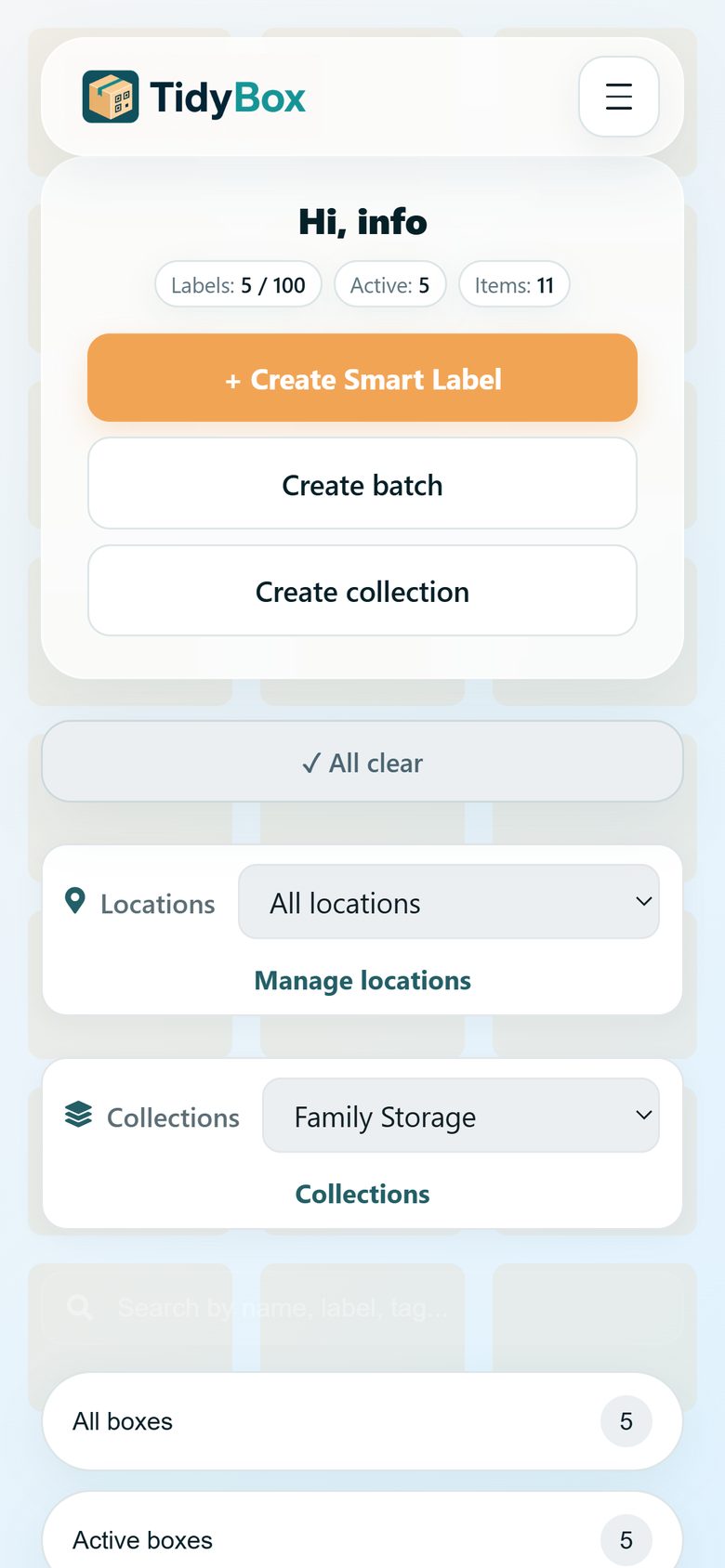
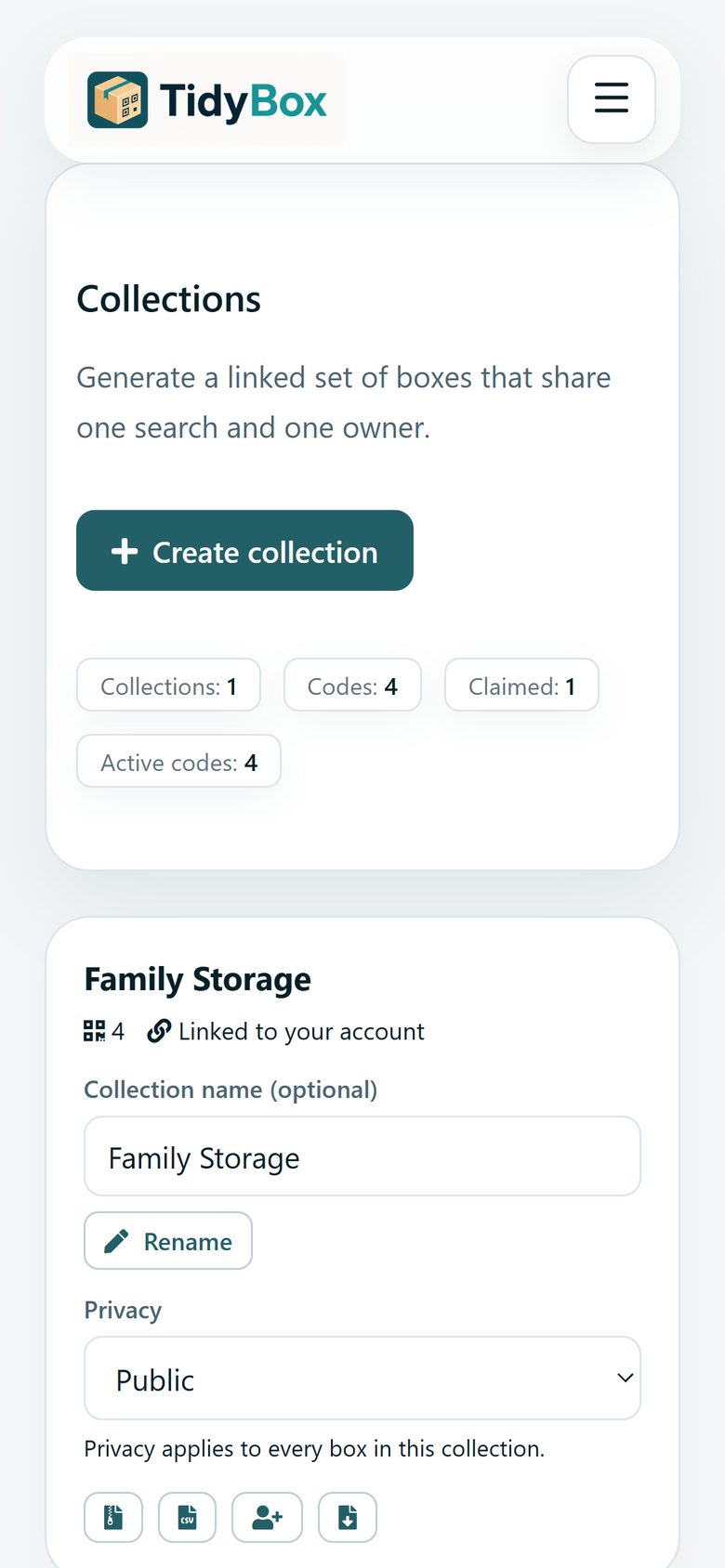
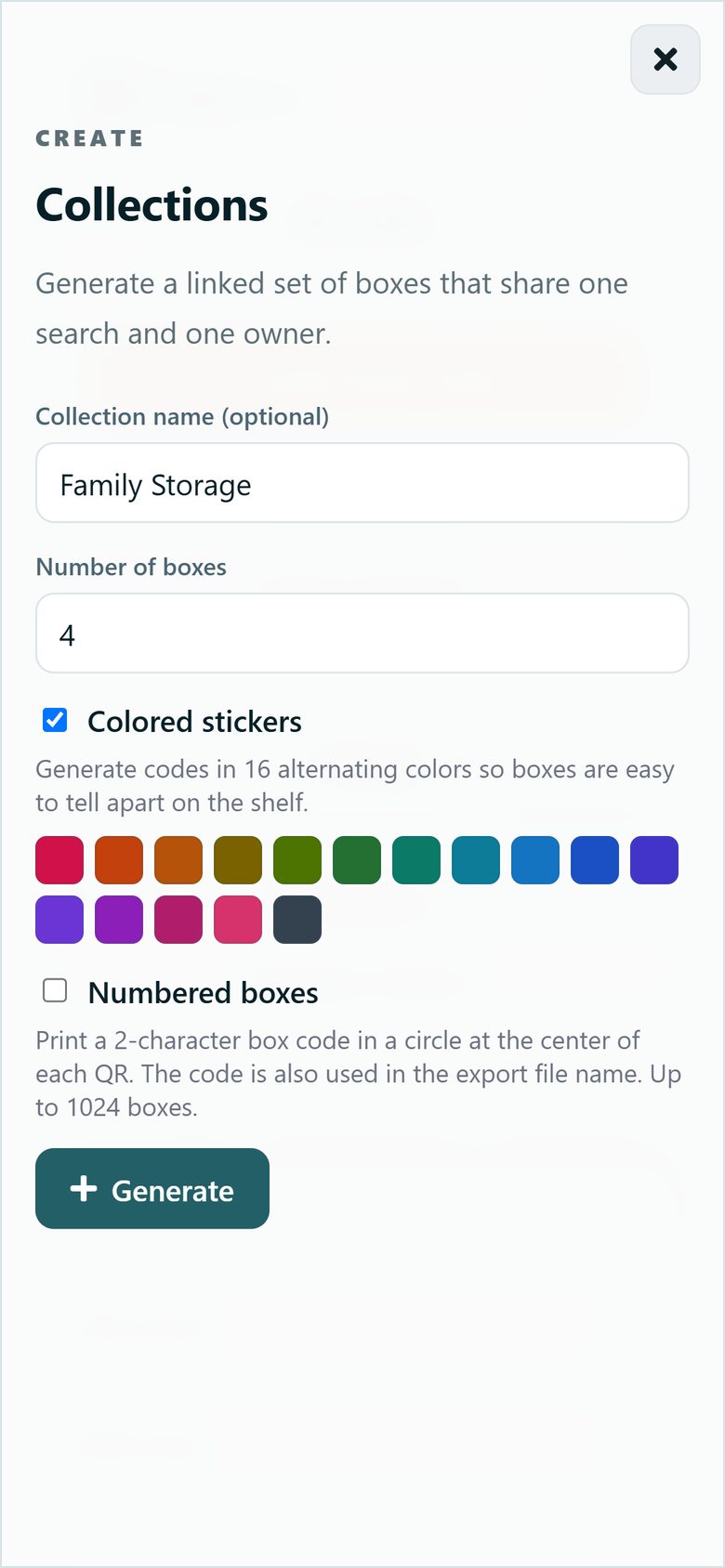
On your dashboard, tap Create collection. Give it a name, choose how many boxes you need, and enable colored stickers if you want each box to stand out on the shelf. TidyBox generates all the smart labels at once.
TidyBox
A collection is a set of linked boxes with one owner and one shared search. Add items to any box — a single search finds them across the whole set. Perfect for a room, a household, or a small warehouse.
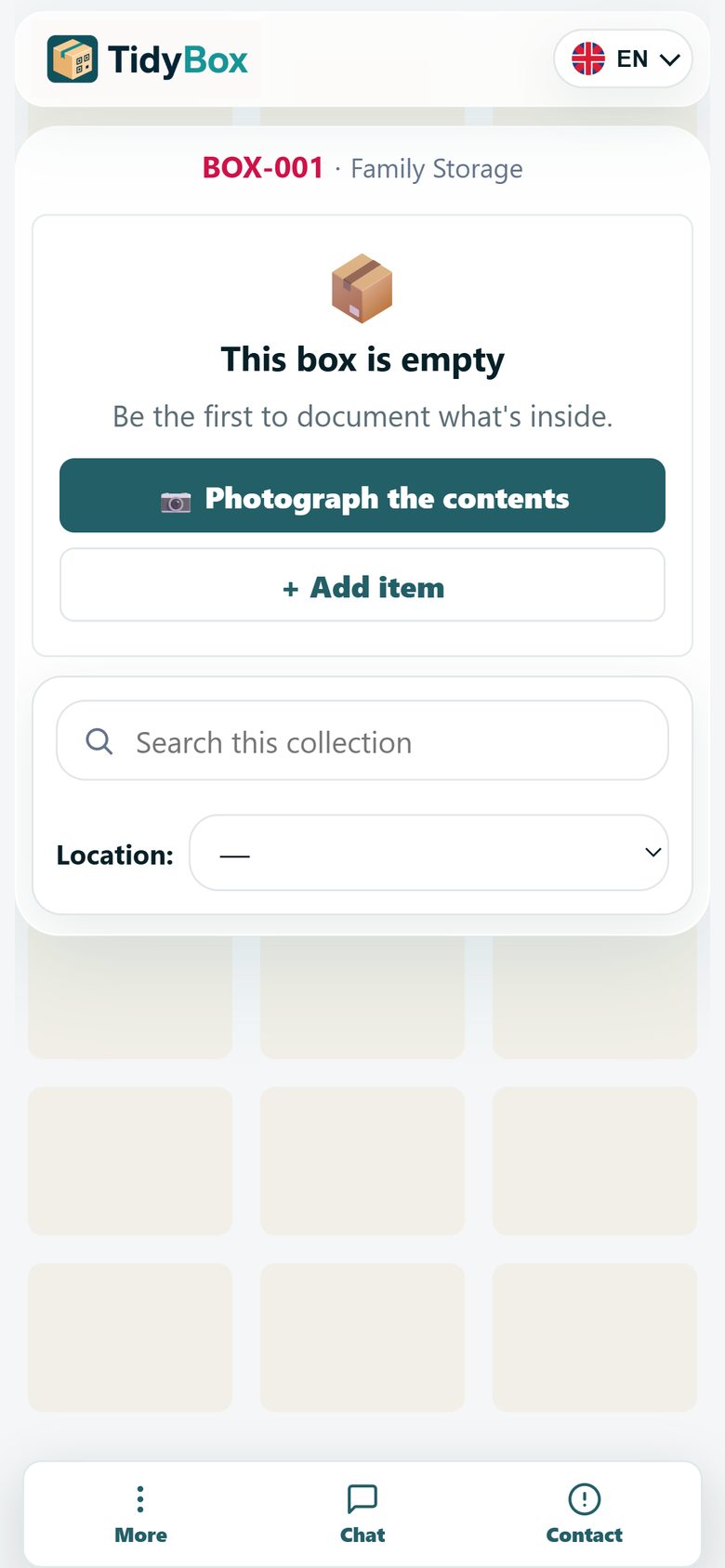
Scan a TidyBox sticker, photograph the contents — AI turns the photo into an item list. Then collection search shows which box holds what you need.
On your dashboard, tap Create collection. Give it a name, choose how many boxes you need, and enable colored stickers if you want each box to stand out on the shelf. TidyBox generates all the smart labels at once.
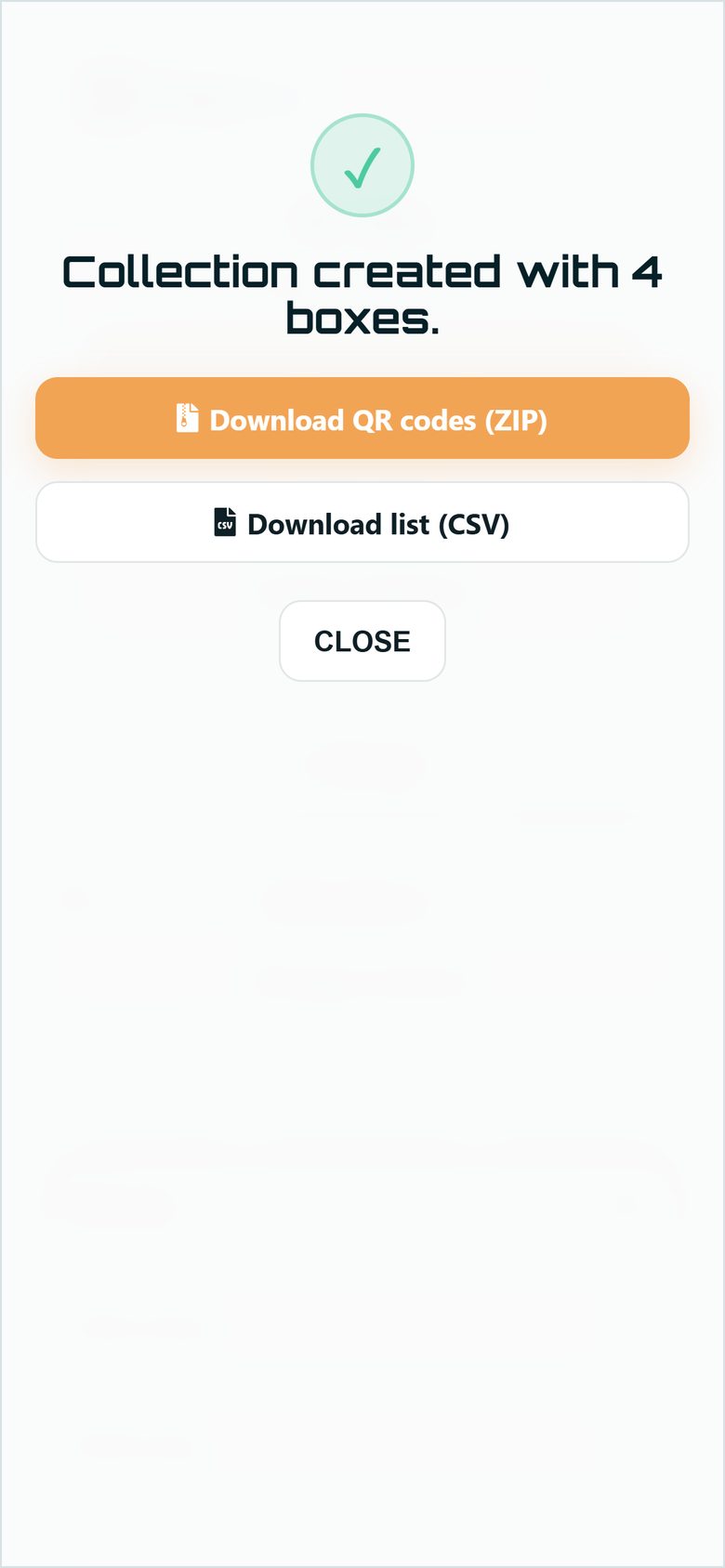
Download the QR codes as a ZIP (or a CSV list), print them, and stick one on each box, bin, or folder. Every label is already linked to the collection.
Scan a label with your phone camera and tap Photograph the contents.
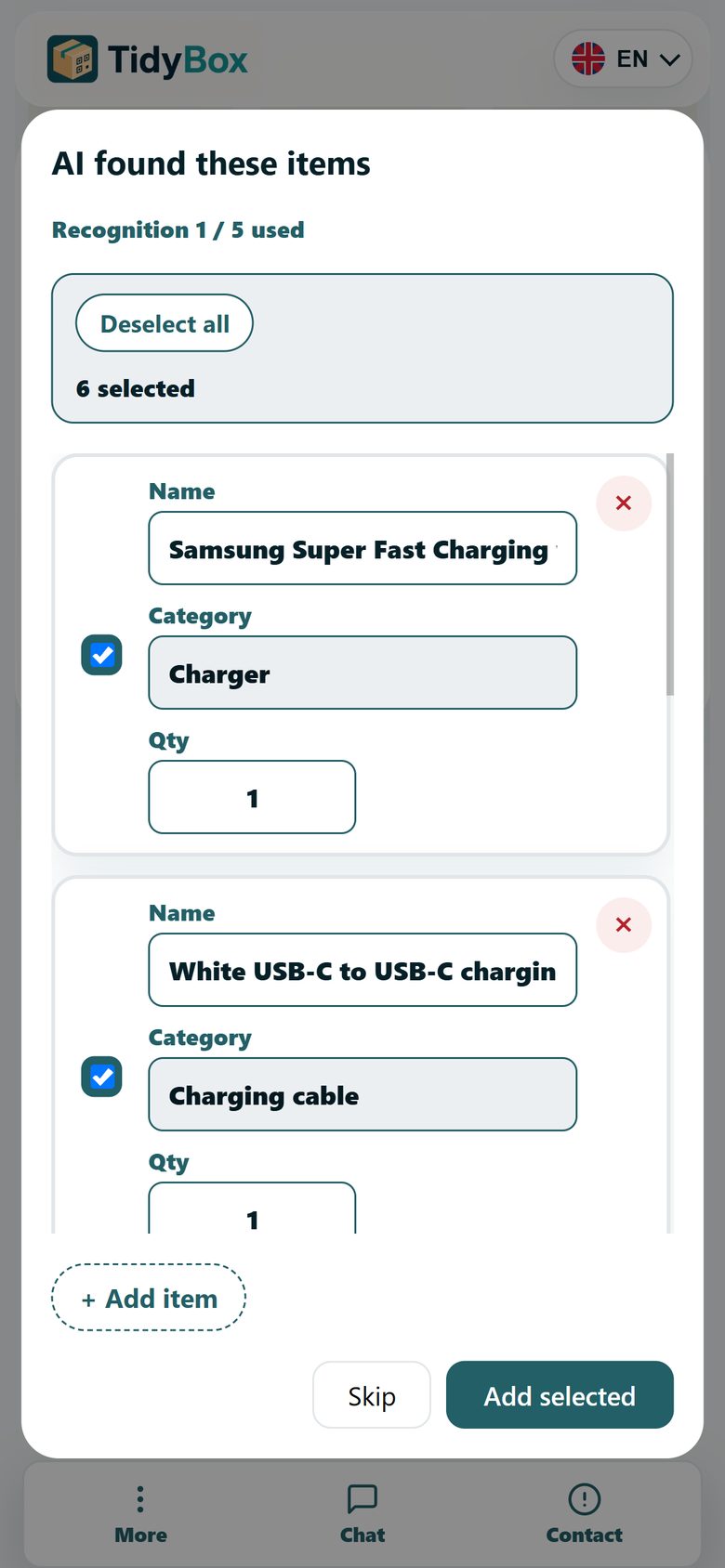
AI recognizes the items in the photo and turns them into an editable list — no typing needed.
All boxes of the collection appear on your dashboard with photos and item counts. Filter by collection to focus on one room or storage area.
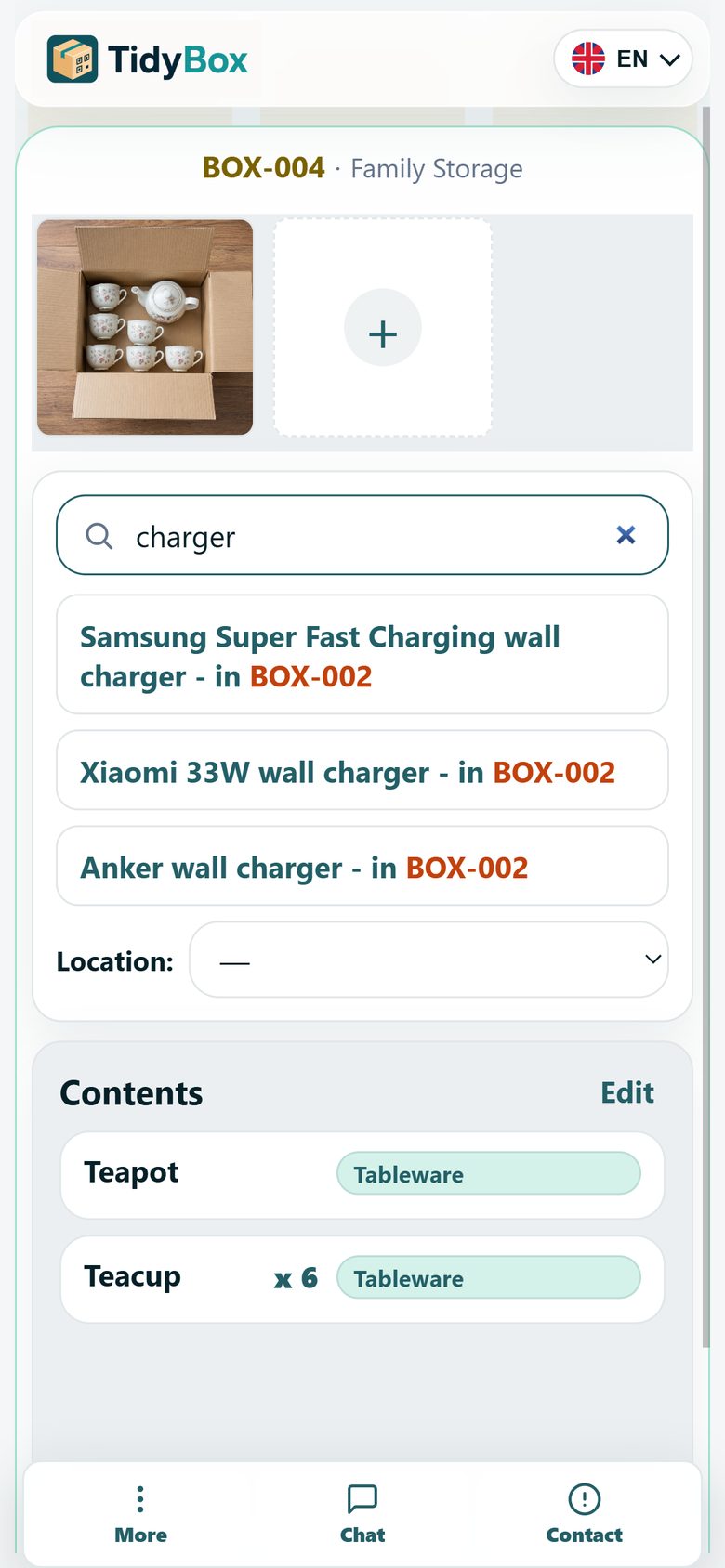
Open any box page and use Search this collection. Type "charger" — and TidyBox shows which box it lives in, even if you are standing in front of a different one.
On the Collections page you can rename the collection, set privacy for every box in one tap, share access, and download all QR codes or a full items list.
Create your first smart labels free — no app, no setup.
Get started free